Apr 26, 2023
Here are the steps to change a 3D printer heater cartridge:
1-Turn off the power: Before attempting to change the cartridge, ensure that the printer is turned off and unplugged from the power source.
2-Heat up the printer: Heat up the printer to the temperature at which the filament melts. This will soften the filament and make it easier to remove.
3-Remove the filament: Remove the filament from the printer by gently pulling it out of the extruder. If the filament is stuck, you may need to use a pair of pliers to grip it firmly and pull it out.
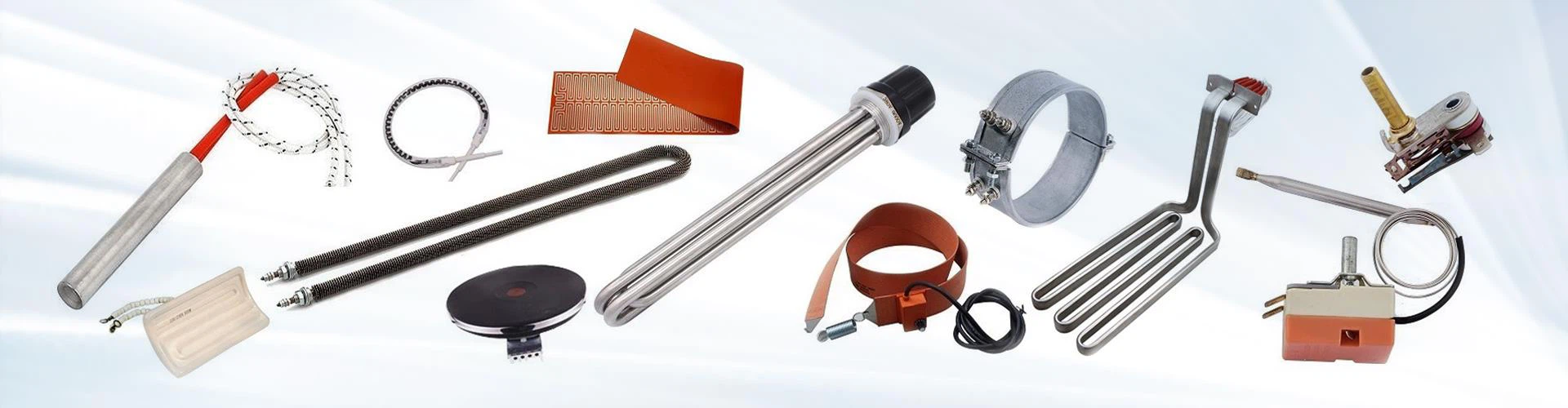
4-Locate the heater cartridge: Locate the heater cartridge, which is typically located in the heating block on the hot end of the printer. It is a cylindrical device with two wires coming out of it.
5-Disconnect the wires: Disconnect the wires from the old heater cartridge by gently pulling them out of the connectors. Note the position of the wires so that you can reconnect them correctly to the new cartridge.
6-Remove the old cartridge: Remove the old cartridge by unscrewing the set screw that holds it in place. You may need to use a wrench or pliers to turn the screw if it is tight.
7-Install the new cartridge: Insert the new cartridge into the heating block and tighten the set screw to secure it in place. Be careful not to over-tighten the screw, as this can damage the cartridge.
8-Reconnect the wires: Reconnect the wires to the new cartridge, ensuring that they are connected to the correct terminals.
9-Test the printer: Turn the printer back on and test it to ensure that the new cartridge is working properly. Heat up the printer and try printing a test object to confirm that the filament is melting correctly.
By following these steps, you can safely and easily replace the heater cartridge on your 3D printer.
Previous: How to check ohms on heater cartridge?
Next: How to calculate the current needed for a cartridge heater?